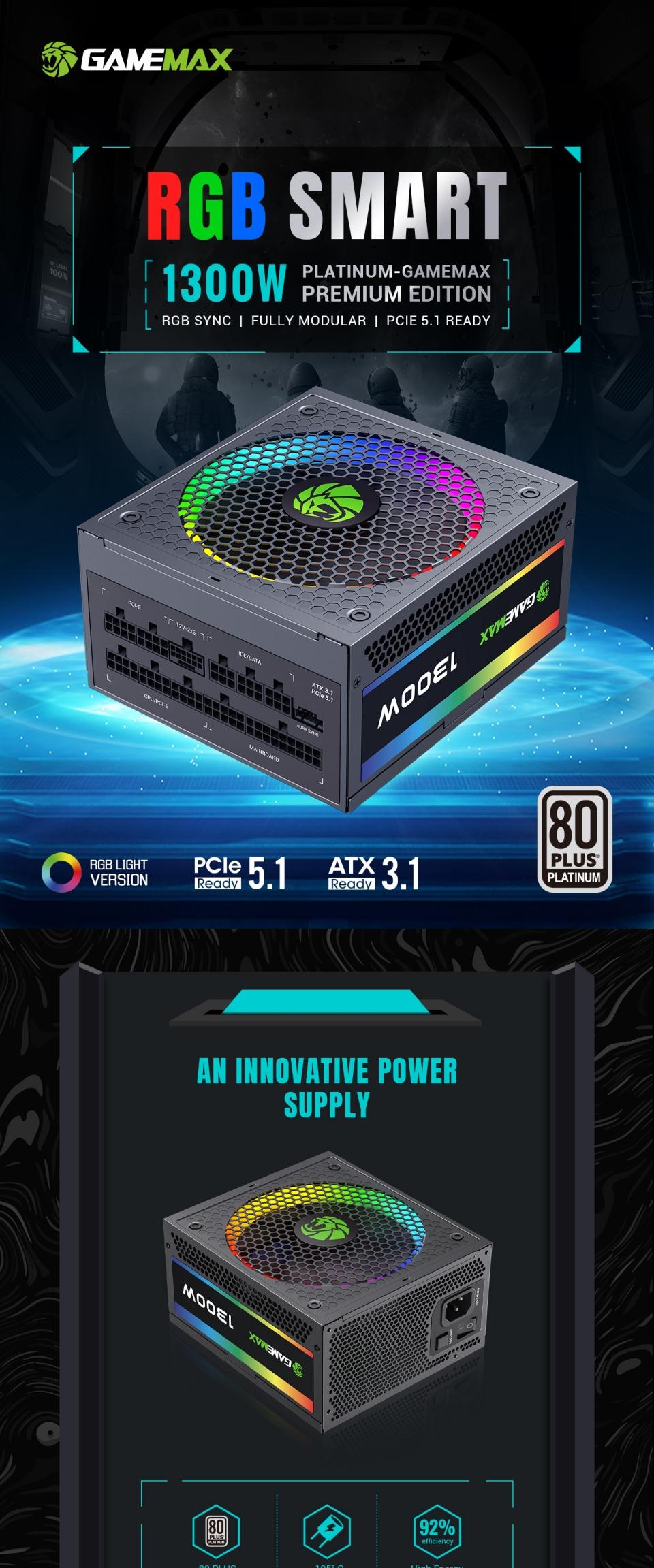
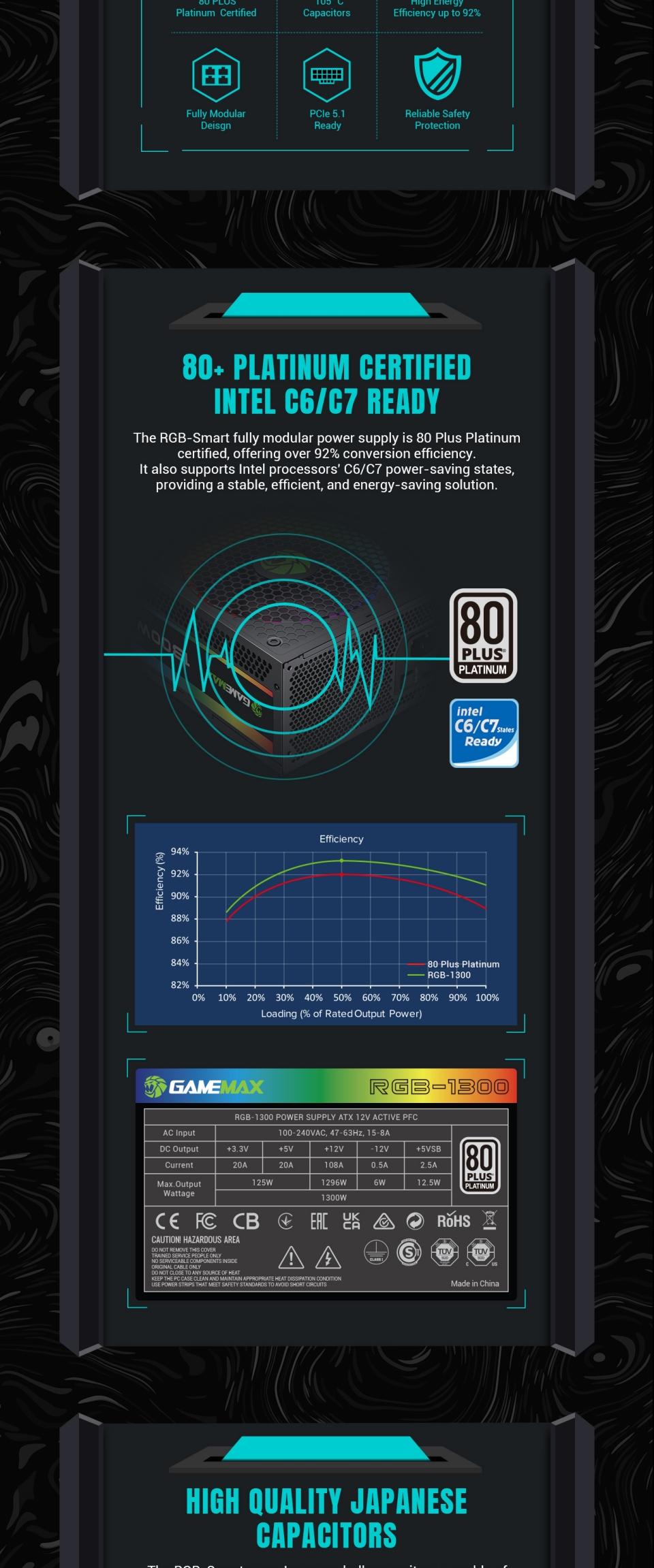
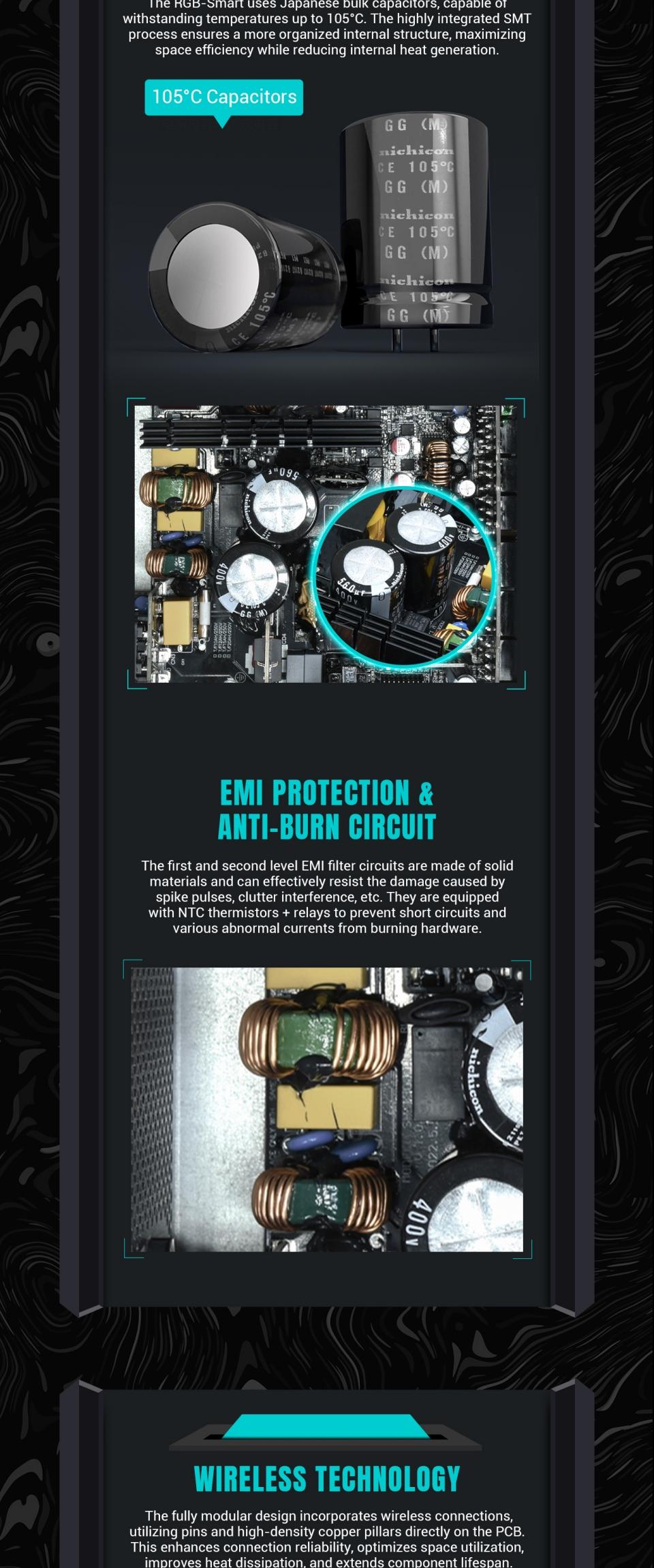
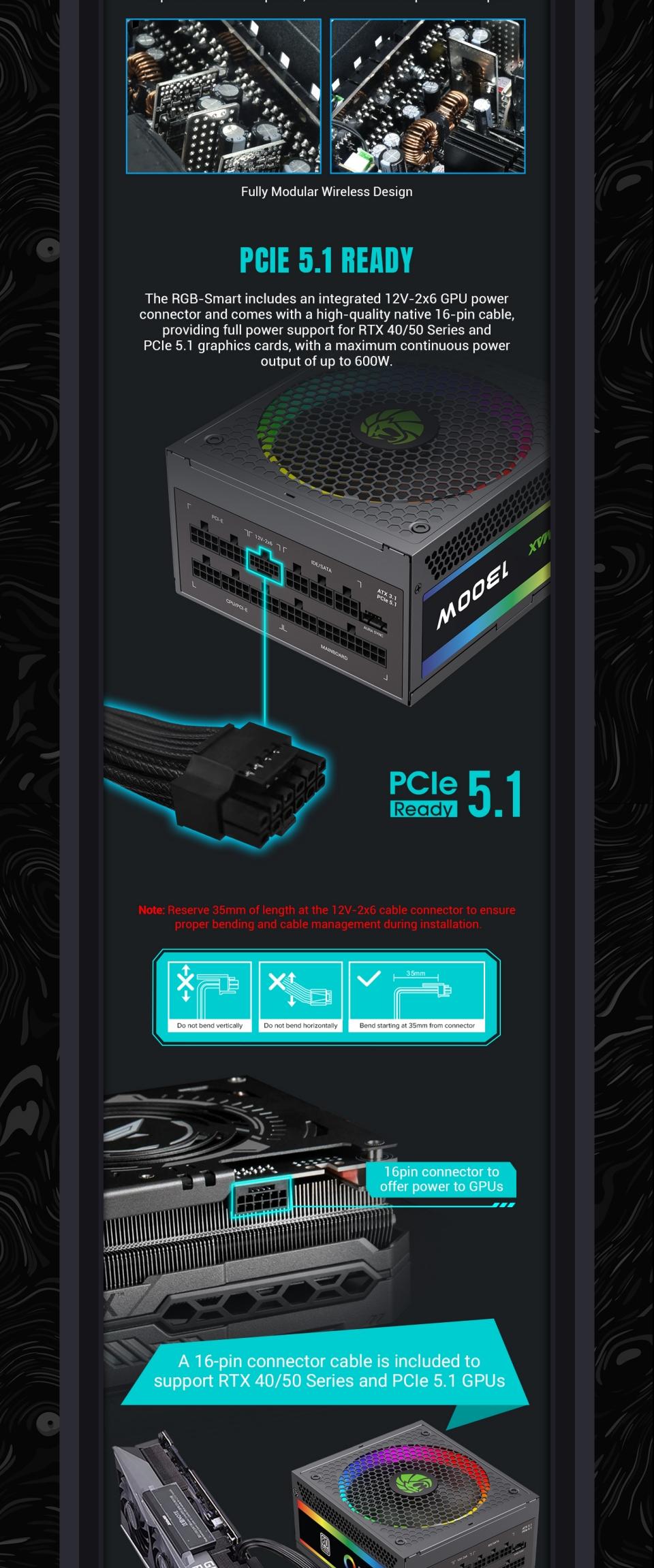
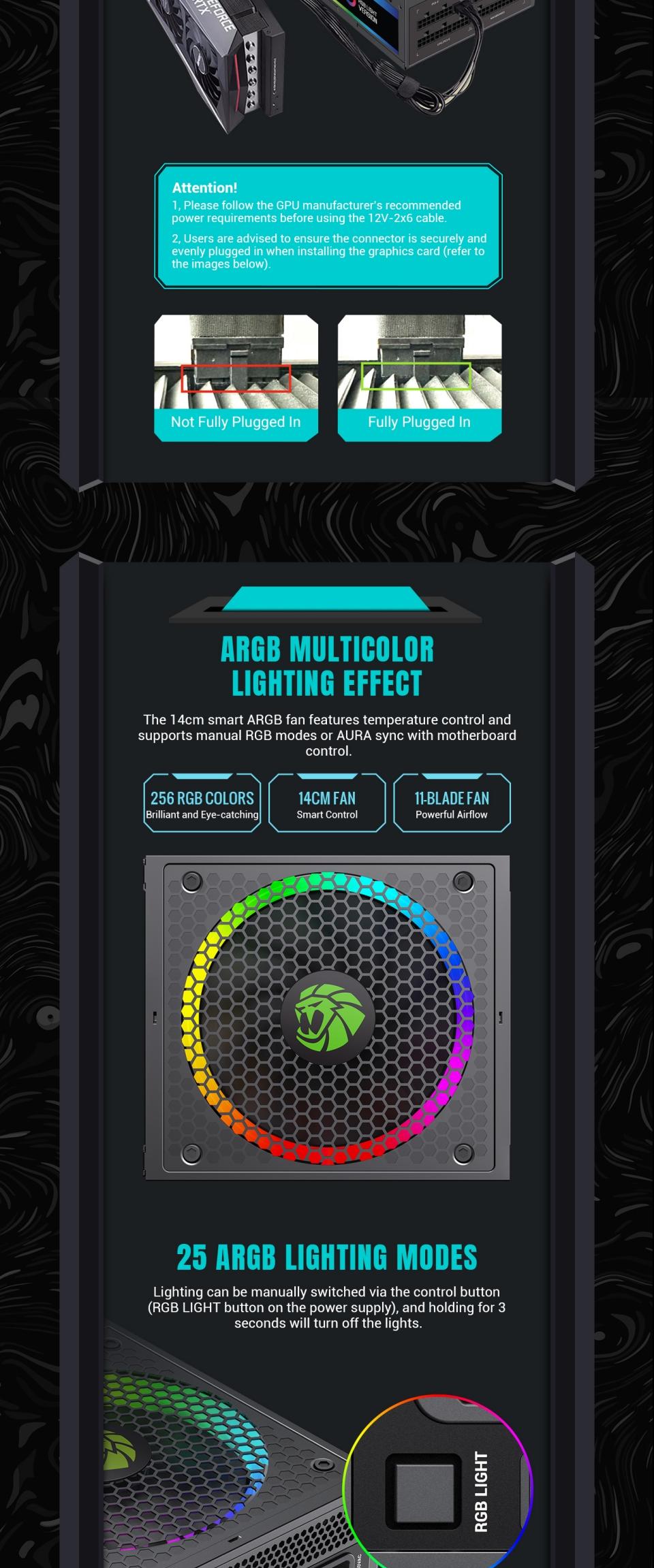
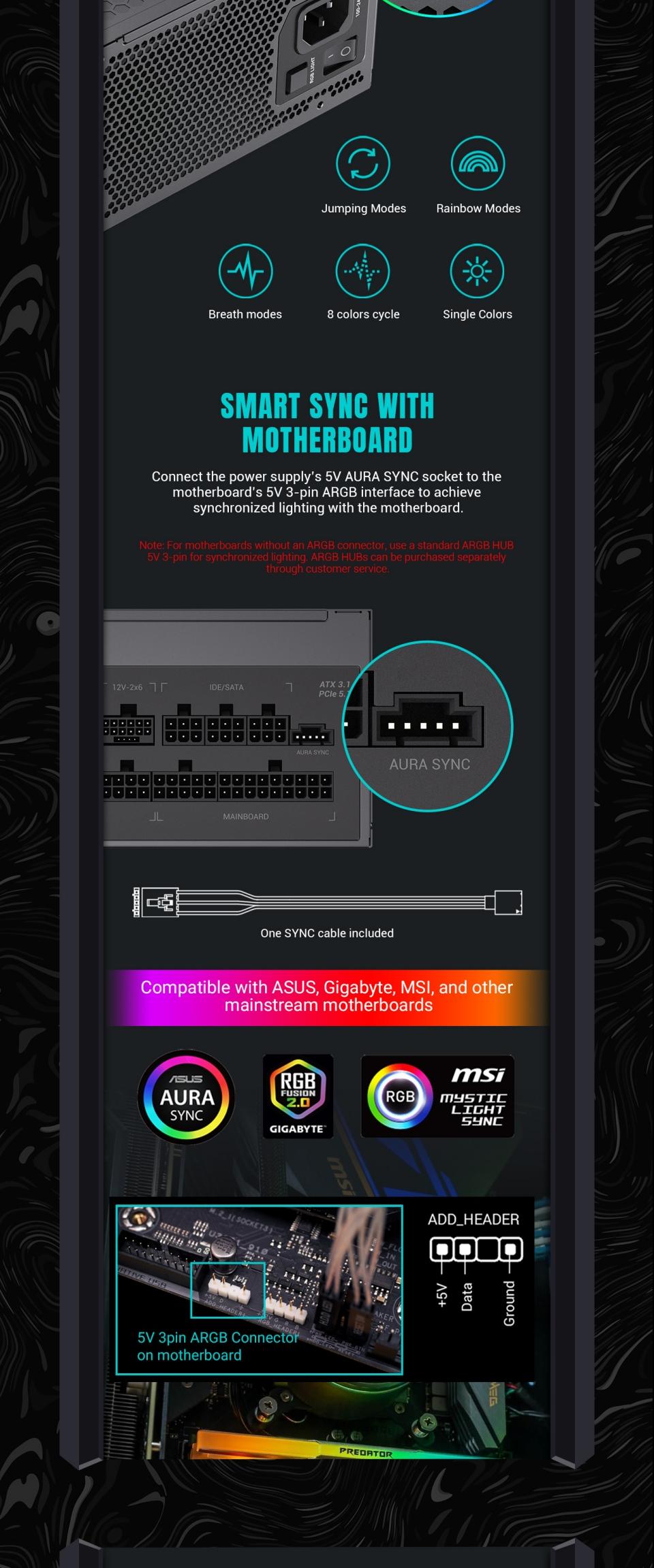
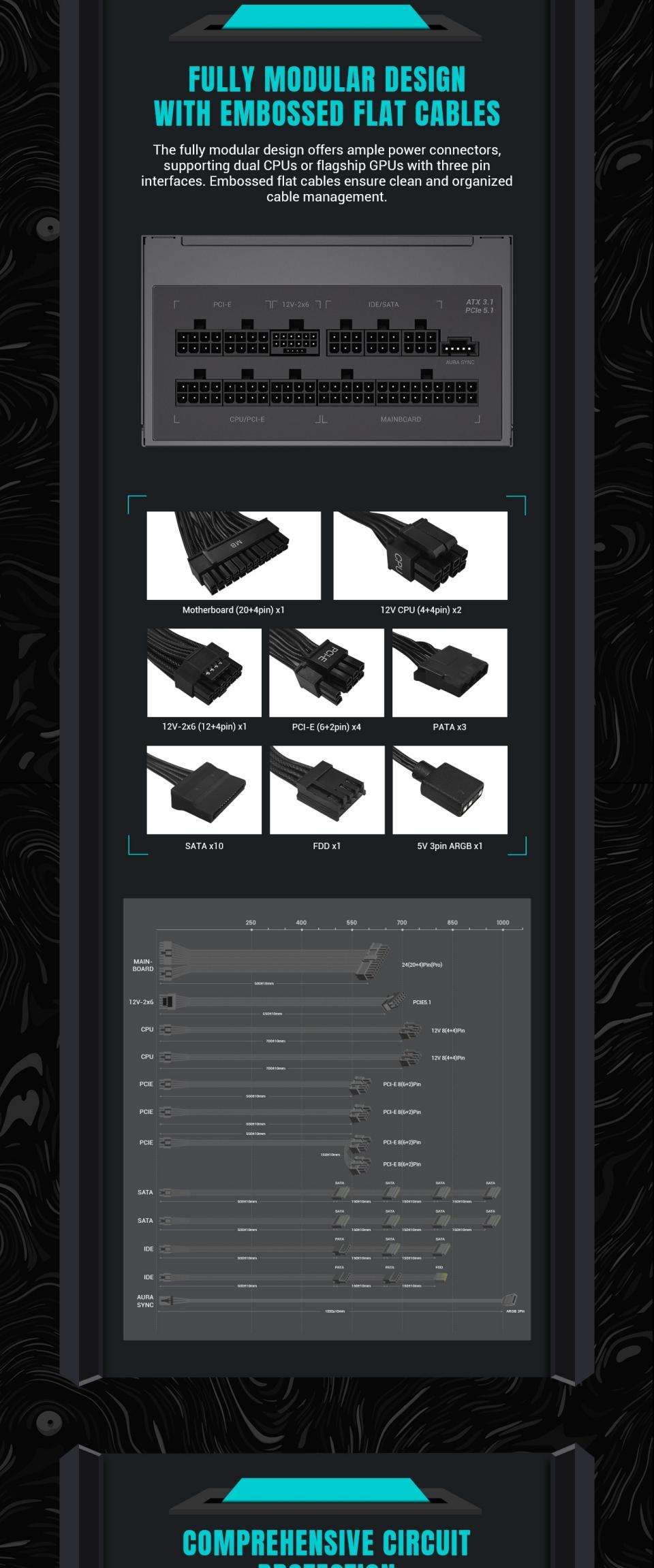
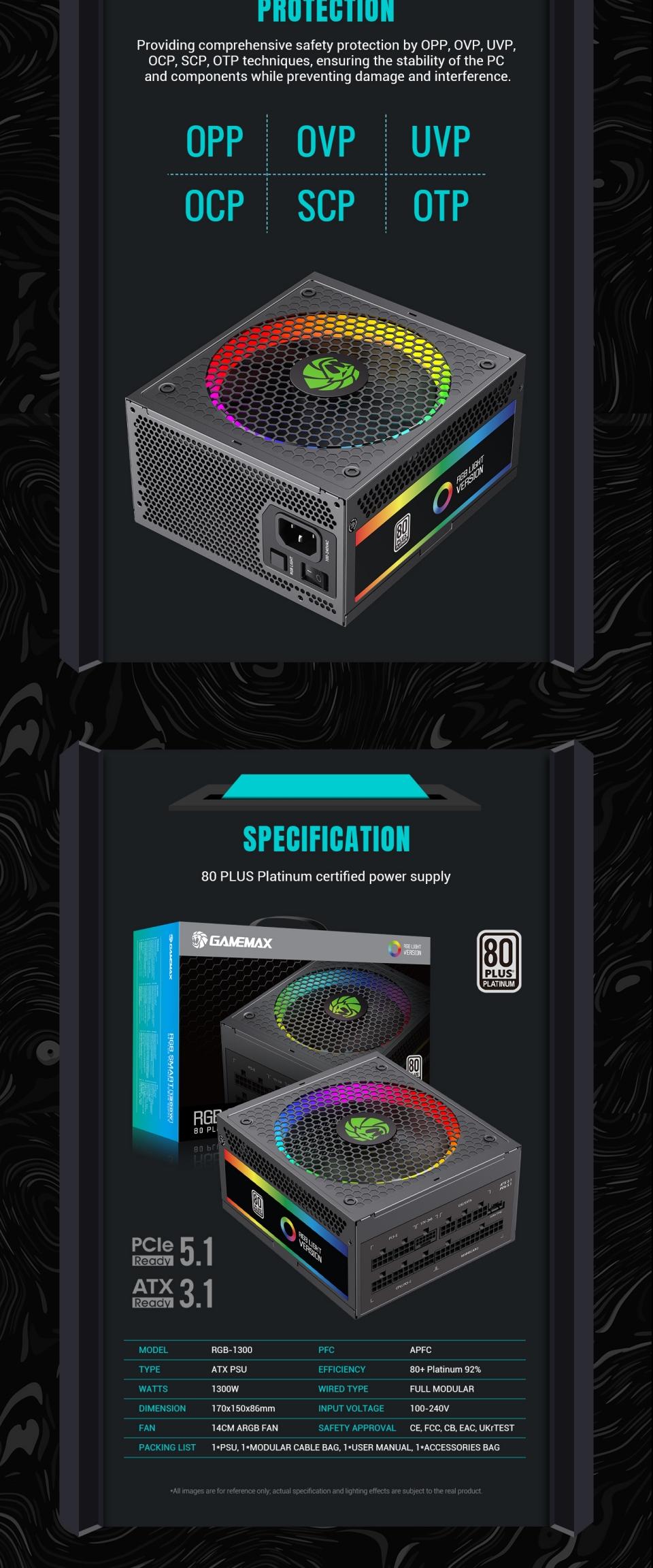
GameMax RGB-1300 ATX3.0 PCIE5.0 Ready, Fully Modular 80+ Platinum Certified, LLC+DC-DC design for Powerful single +12V rail helps ensure a stable and reliable supply to other PC components. with 140mm ARGB fan helps deliver brighter and stunning light effect and supports synchronization with compatible RGB motherboards from ASUS, GIGABYTE, MSI, and ASRock for countless illumination possibilities. ⚡ATX3.0 PCI-E 5.0 Ready: It comes with 1x16pin 12VHPWR connector, for support latest GPU Cards ⚡80 Plus Platinum Certified: RGB-1300 with 92% efficiency or higher under typical loads. Lower power consumption, less noise, and cooler temperatures. ⚡RGB Light Mode: 25 smart RGB lighting modes with memory function, press the RGB controller switch to choose the color mode you like single color mode, breathing lights mode, and color mix mode. ⚡Full Modular: Free-Cable Design, Farewell to messy cables! The daughterboards are directly soldered to the motherboard for better heat dissipation and impressive output power quality. ⚡Ultra-quiet fan: The 140mm ultra-quiet fan keeps your power supply quiet while maintaining good heat dissipation. ⚡Output and Protection: Powerful single +12V rails offer stable DC output and support high-end graphic cards and PC systems. Excellent capacitors offer stability, durability, and reliability, OPP/OVP/UVP/SCP/OCP electrical protection included.
Product Technical Specifications
80PLUS®
Cetificate
PLATINUM
Form Factor
Power Supply
Intel ATX 3.0 PCIe5.0
Dimensions
170 mm (L) x 150 mm (W) x 86 mm (H)
Fan Information
Fan Size
140mm with ARGB LEDs
Fan Control
Temperature control
Fan Bearing
Fluid Dynamic Bearing
Life Expectancy
50,000 hours
Cable Information
Modularity
Fully Modular
Cable type
Flat black cables
Electrical Features
Operating Temperature
0-50 °C (derating from 100 % to 80 % from 40 °C to 50 °C)
MTBF
100,000 Hours (@ 25 °C, Excl. fan)
AC Input
Full Range
Protection
OPP, OVP, UVP, OCP, OTP, SCP
Safety Ceritificate
Safety and EMC
cTUVus, TUV, CB, CCC, EAC, CE
Environmental
Compliance
RoHS
RGB Modes Operation Instructions:
Key Function
RGB LED Status
Turn On, Entry last Mode
Keep the Save memory mode
Press RGB Switch
Select RGB light mode
Press and Hold in 3sec
OFF the RGB LED light
Press the Switch again
White light flashes once and Entry in o the last mode
Press Longer Don't release
Entry Self-Test mode(All led White Light)
Release after Press longer
Exit Self-Test mode, Entry Last memory mode
Aura SYNC Mode:
Access external ARGB HUB or 5V 3pin signal from motherboard